Questions
What people ask before installing.
Is my voice sent anywhere?
No. Speech recognition runs on your own computer. Your audio is never transmitted, never stored after the text is produced, and never used to train anything. Apart from downloading the speech model once, Murmur never connects to the internet: no voice upload, no telemetry, no analytics. You do not have to trust anyone's promise about what happens to your recordings, because they never leave your PC.
Do I need an account?
No. There is no sign-in, no profile and no server-side component of any kind. Nothing about you is collected, because there is nowhere for it to go.
Why is there a download the first time?
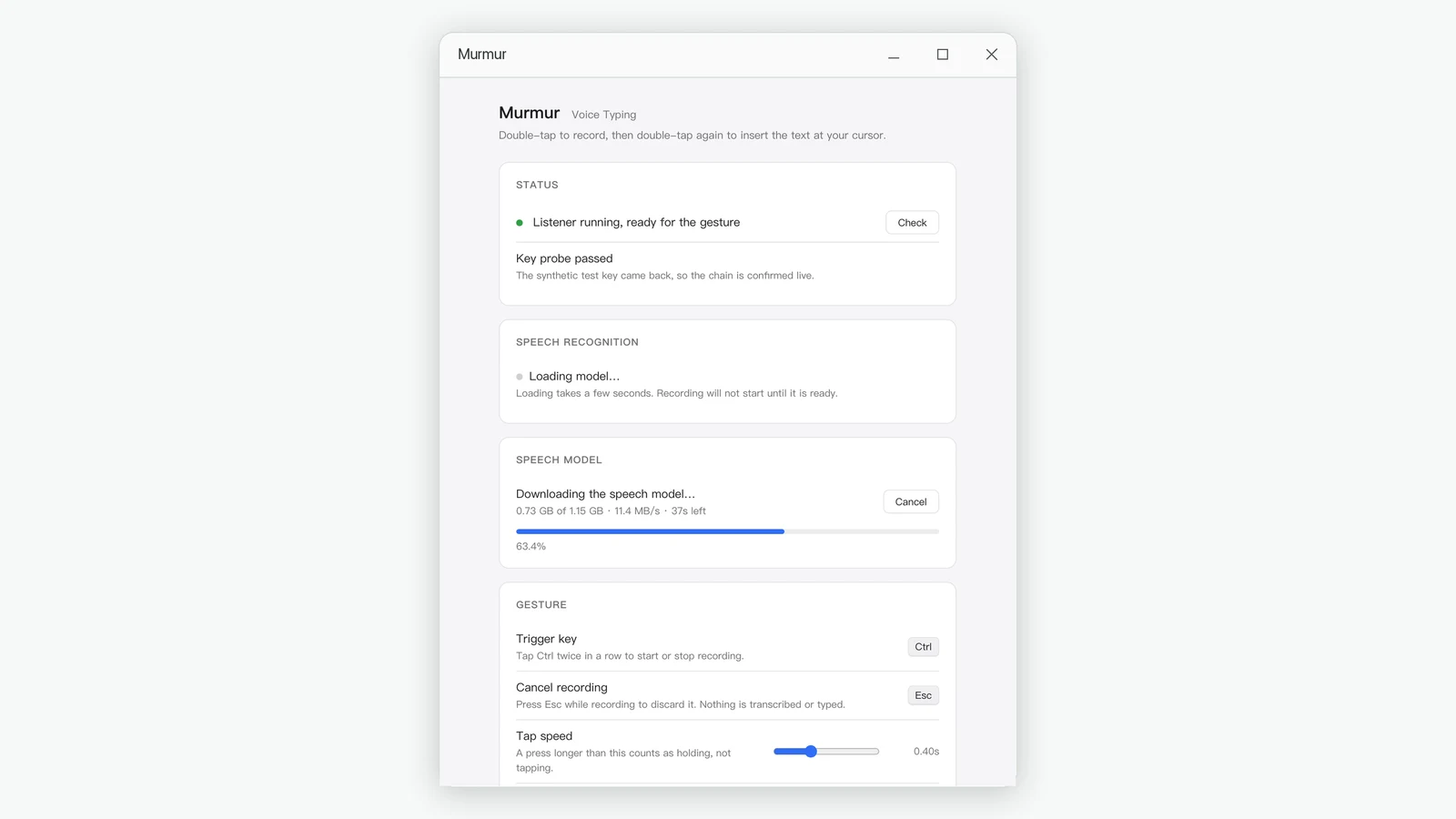
The speech recognition model is about 1.1 GB, which is too large to include in the installer. Murmur downloads it once, into your user data folder, and the download resumes from where it stopped if it is interrupted. After that it is never downloaded again.
Which applications does it work with?
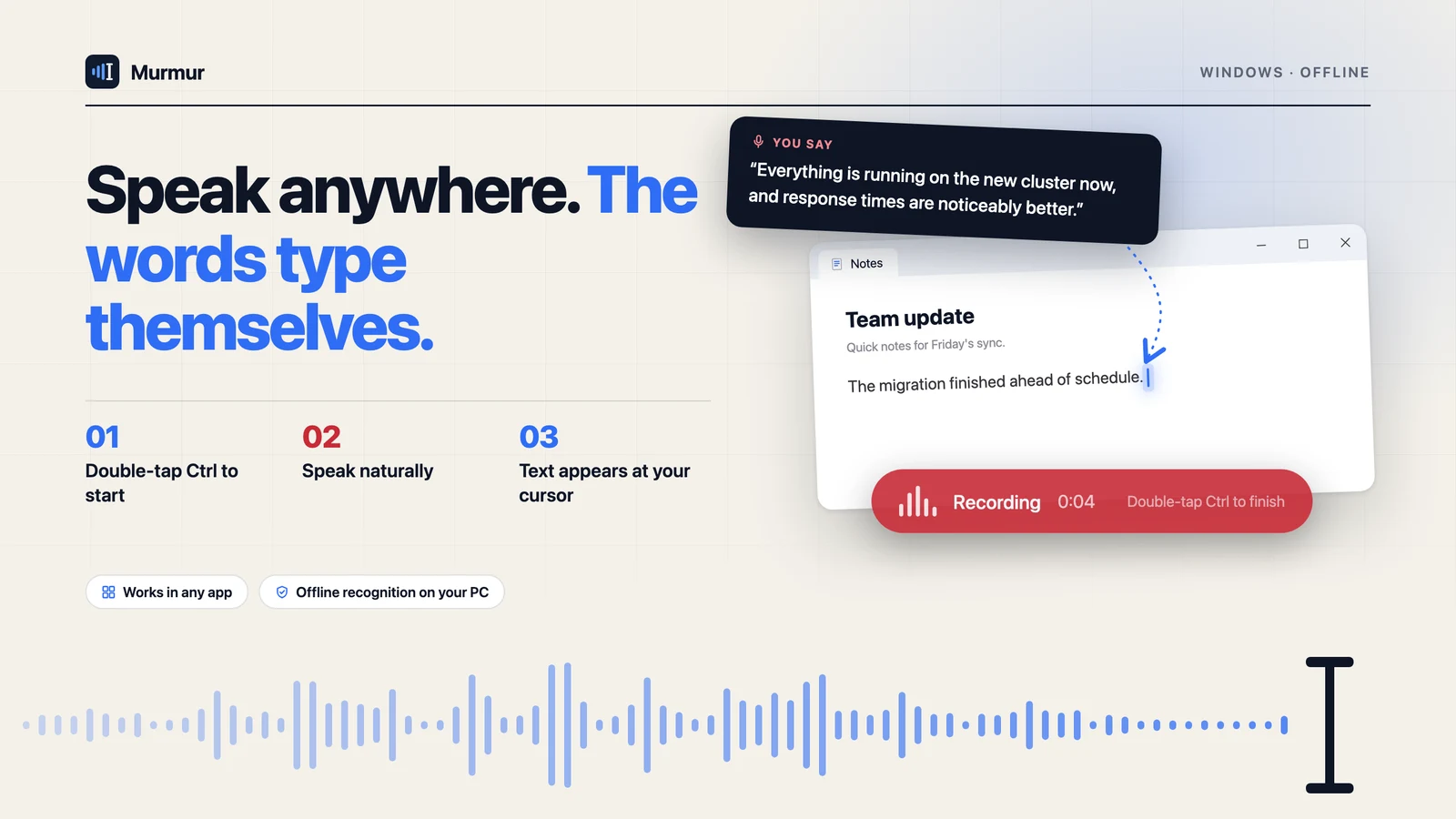
Any application that accepts typed text. Murmur inserts the text into whichever window had your cursor, so it does not need to know anything about the app you are using.
Will it interfere with my keyboard shortcuts?
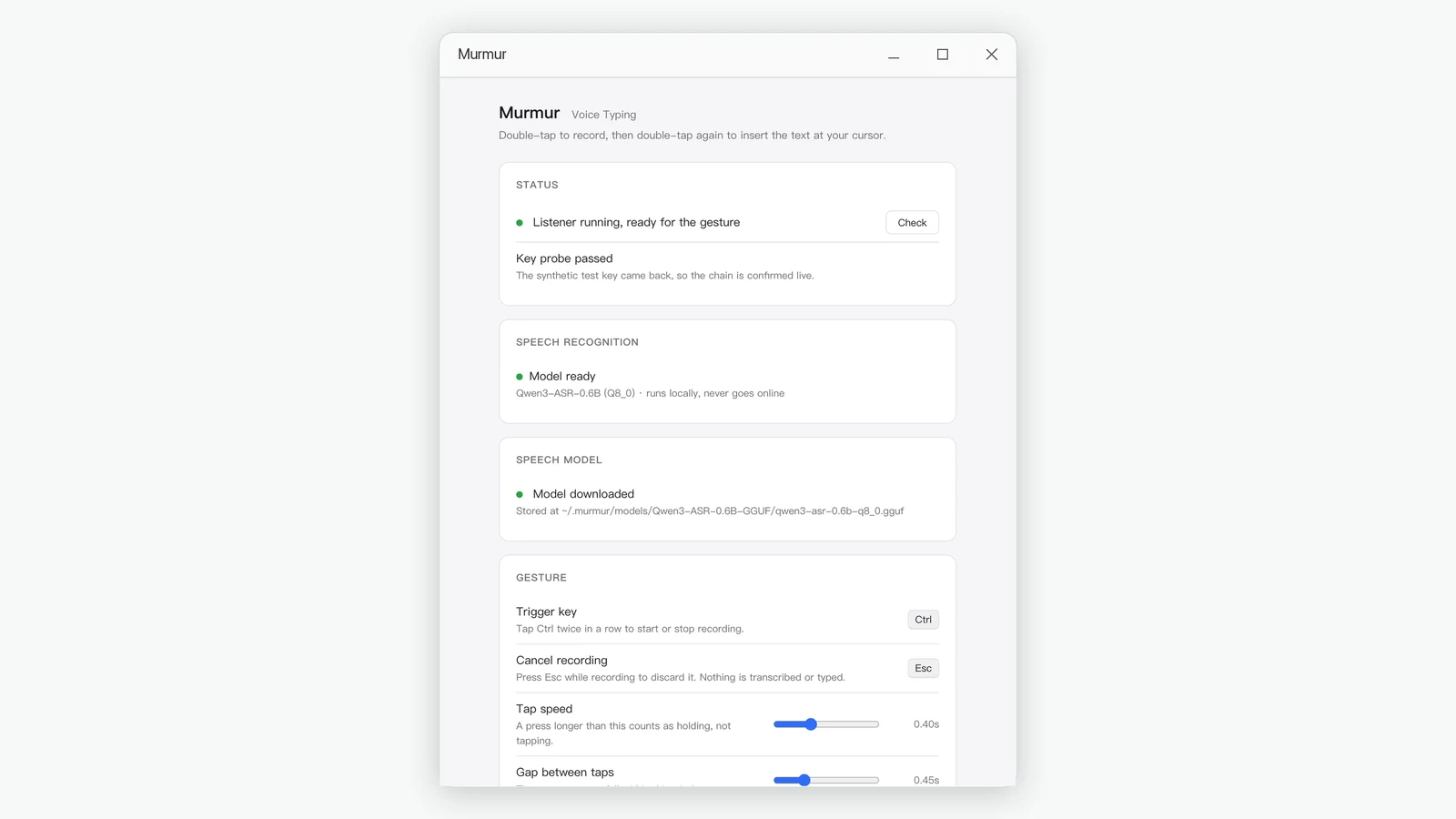
No. The trigger is a double-tap of a modifier key on its own. The moment you press any other key while holding it, Murmur treats it as an ordinary shortcut and gets out of the way. You can also adjust how fast the two taps must be.
Can I change where the capsule appears?
Yes. The settings window has a slider for how far above the bottom of the screen it sits. It also follows you across multiple desktops and works over full-screen apps.
What happens if I do not say anything?
Nothing is inserted. Silence returns an empty result rather than an invented sentence, so a gesture you did not mean to make costs you nothing.
What are the system requirements?
Windows 10 or later on a 64-bit processor, a microphone, and about 1.5 GB of free disk space for the speech model. No graphics card is required — recognition runs on the processor.